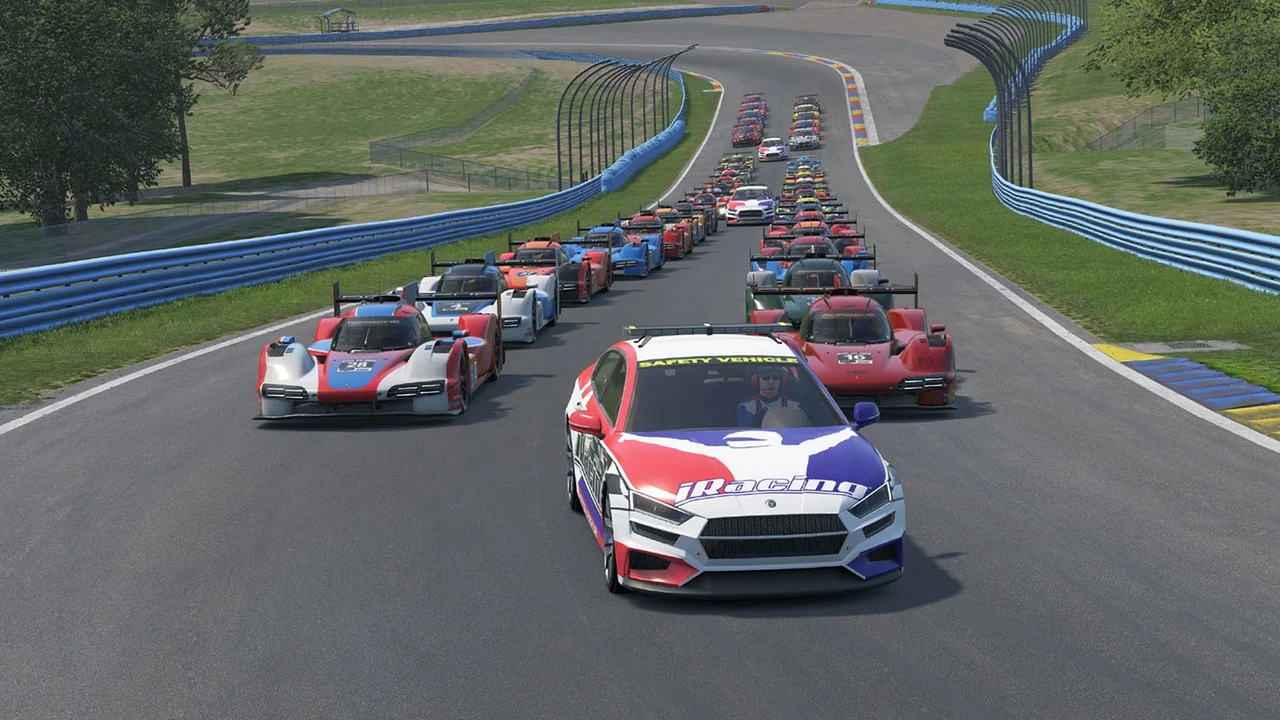
Anyone who has qualified on pole in LMP2 or GT3 during a busy IMSA split knows the stress of the old single-file or manual-gap pace lap. For years, slower class leaders had to rely on unwritten gentleman agreements to hang back and build a buffer behind the prototypes ahead. If the front of the GTP pack checked up or spun cold tires before the line, the trailing classes often piled into an accordion wreck before Turn 1 even arrived.
Following community testing, iRacing has officially enabled dedicated multi-class start procedures across four major sports car series for the rest of 2026 Season 4 and beyond. Instead of treating the entire grid as a single giant pack tied to the overall pole sitter, race control now manages each class with separate pacing prompts and green flag signals.
Series Receiving Multi-Class Starts and Pacing Phases
The update targets both weekend team endurance grids and daily sprint lobbies across three license tiers. Here is how the series rollout and the new on-screen race control prompts break down on the grid.
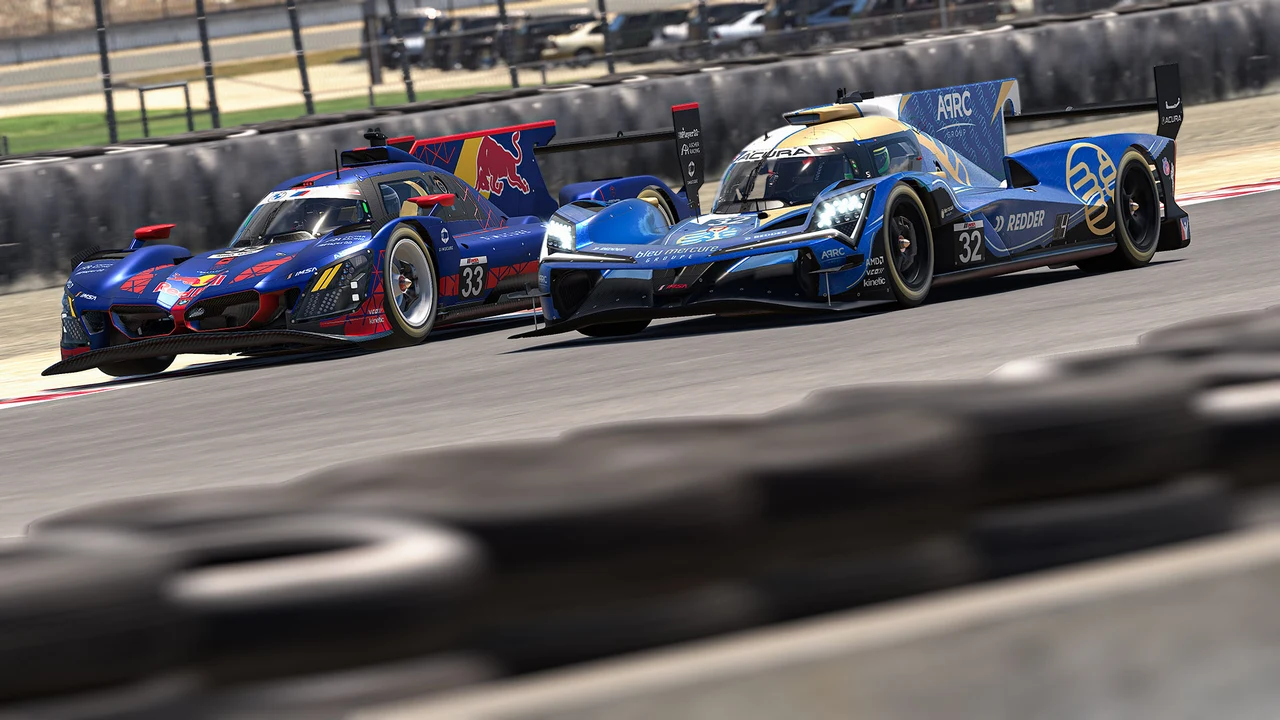
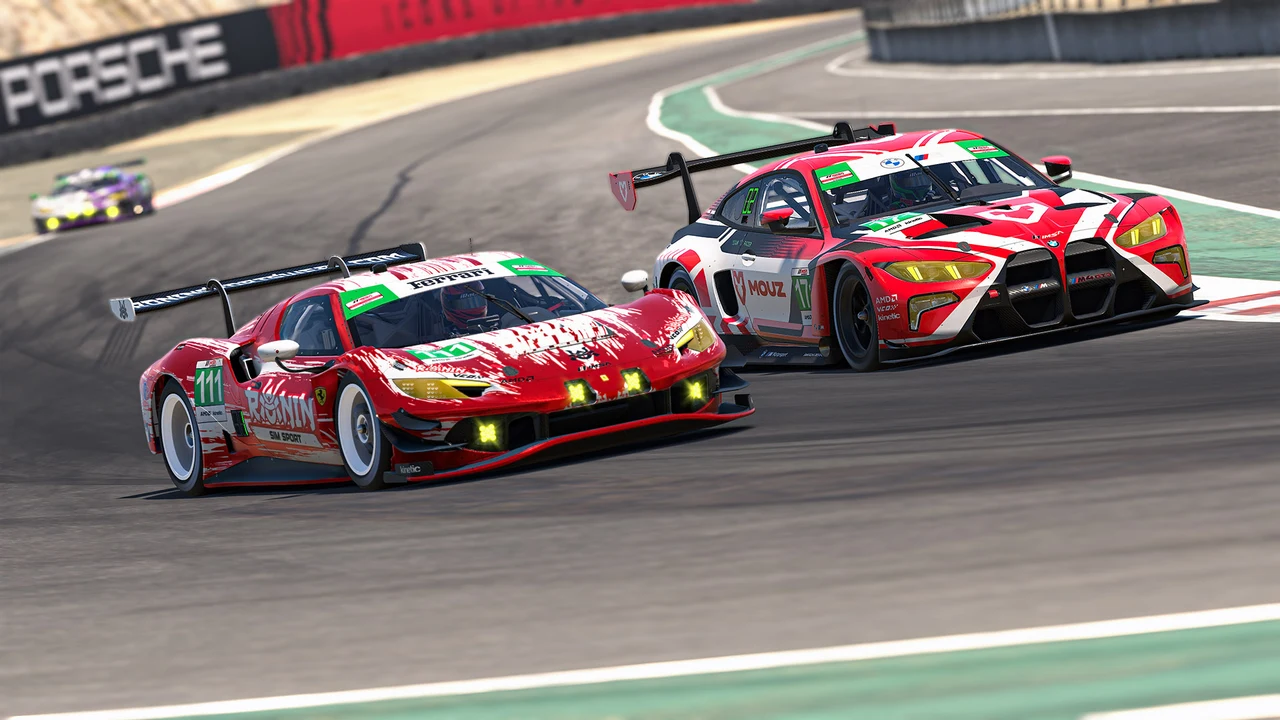
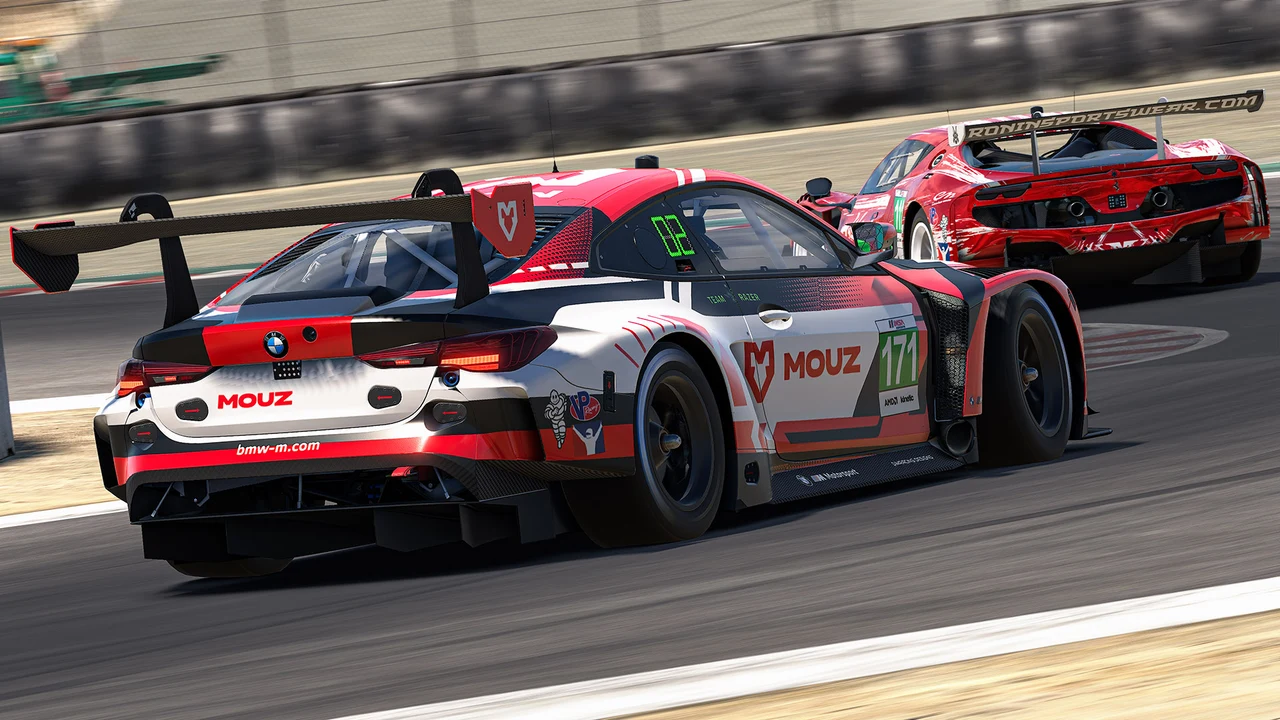
- IMSA Sportscar Endurance Challenge (C Class)
- Global Endurance Tour (B Class)
- IMSA iRacing Series by GO Fast (A Class)
- IMSA iRacing Series Fixed by GO Fast (A Class)
- Form Up prompt appears near the end of the pace lap
- Maintain speed message displays once the pace car pulls off
- Independent Green Flag signal triggers the start for your class
- Spotter audio and UI prompts guide gap spacing throughout
How the New Start Procedure Works on Track
Under the updated system, your race does not begin simply because the faster class ahead of you hammers the throttle. Every class remains under yellow-flag pacing rules until race control specifically displays the green flag for that category. Watching the pacing dialog box on your screen and listening closely to spotter instructions is essential during the final sector of the out lap.
Your race does not begin until race control has signaled for a green flag, so follow the on-screen instructions and spotter prompts rather than reacting to the class ahead.
As your class approaches the end of the pace lap, the UI displays a Form Up message instructing drivers to tighten into an orderly two-by-two grid. Once the safety car ducks into pit lane, the screen switches to a Maintain prompt. Holding steady speed during this phase keeps the inter-class gap clean and prevents jump-start penalties, letting every category hit the opening braking zone in a clean, organized formation.