

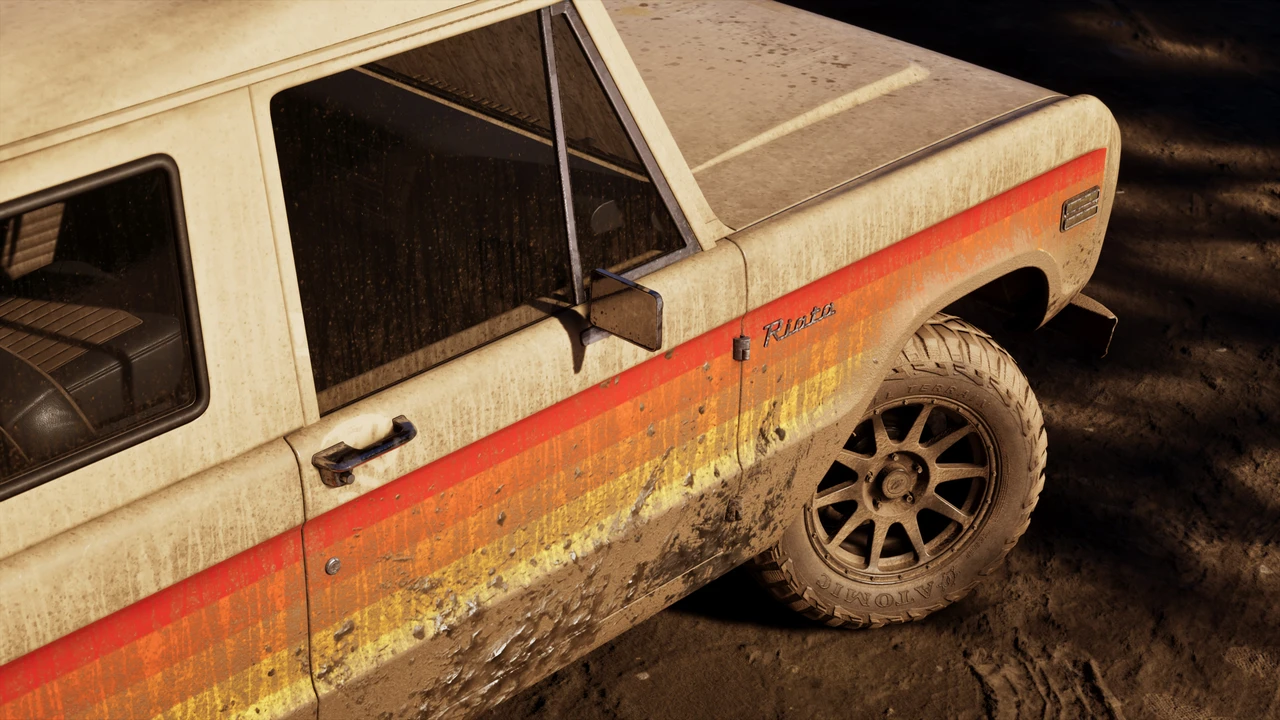
Since Grand Theft Auto VI launched Thursday on PlayStation 5 and Xbox Series X|S with no native steering wheel support. Console wheels still lack built-in force feedback and adapters only copy thumbstick inputs, leaving sim racers who want to play this grocery and haircut simulator on a controller.

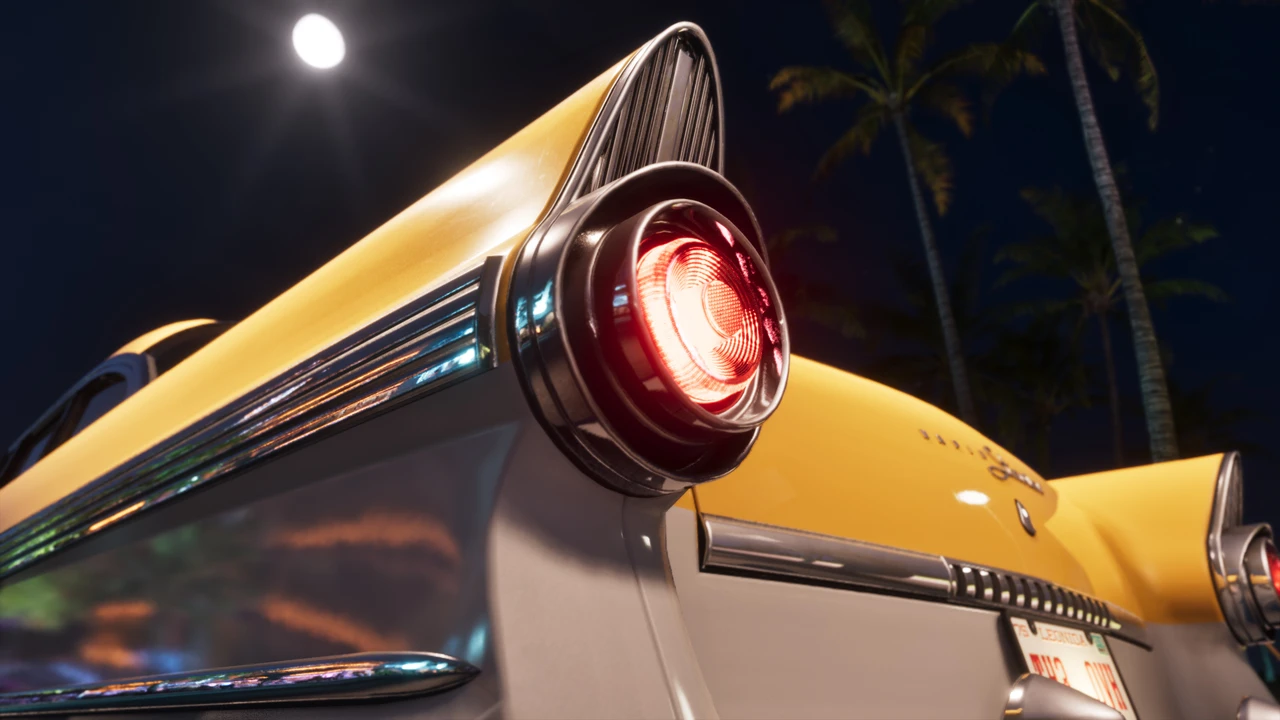
How PS5 DualSense Triggers Handle Speed and Grip
On PS5, Rockstar tied the DualSense triggers into how each car drives. Pulling R2 for gas and L2 for brakes changes resistance with car weight, load, and gear shifts, helping drivers feel grip on wet streets without locking the tires.
The biggest talking point is the Adaptive Speed Limiter. When you hit the speed limit, R2 pushes back so you can cruise smoothly in traffic, though you can pull harder past that stop during a chase. Early players noted that pushback feels strong in missions, and a settings toggle lets you turn it off.
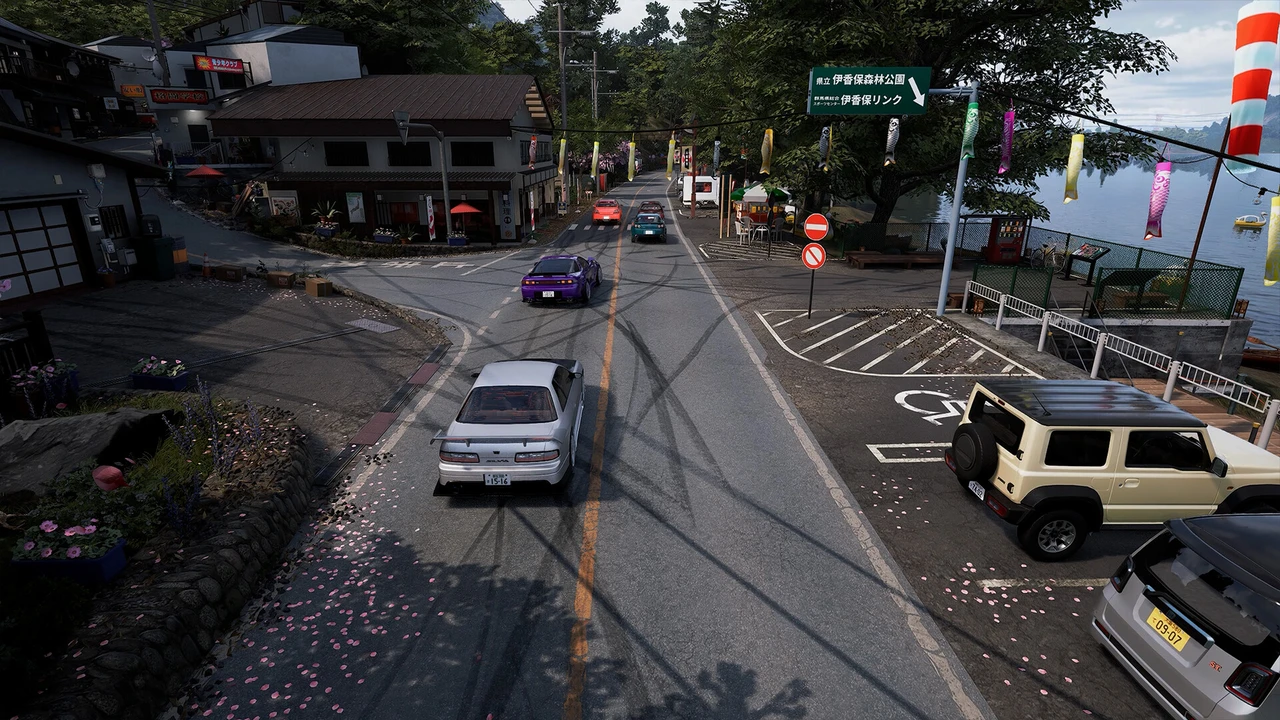
Haptic feedback also changes across dry asphalt, wet Vice City streets, and mud, while sirens and police radio play through the controller speaker.

 Rockstar Games
Vehicle Control Settings Worth Checking First
GTA VI blends heavier body roll and weight transfer with quicker turn-in than GTA V, so sharp stick flicks can kick the rear loose. Inside the Controls menu, Land and Water Vehicle options stay separate from on-foot aiming. Drivers chasing steadier car control should check four settings:
- Steering sensitivity and curves: Calm down sudden inputs on faster cars.
- Thumbstick deadzones: Cut twitchy steering near center on highway runs.
- Adaptive Speed Limiter: Switch off speed-limit in your settings for no push-back on throttle
- Vehicle camera tracking: Changes how fast the camera locks onto your car.
Find all the launch details are on the Rockstar Games GTA VI site.






Comments