


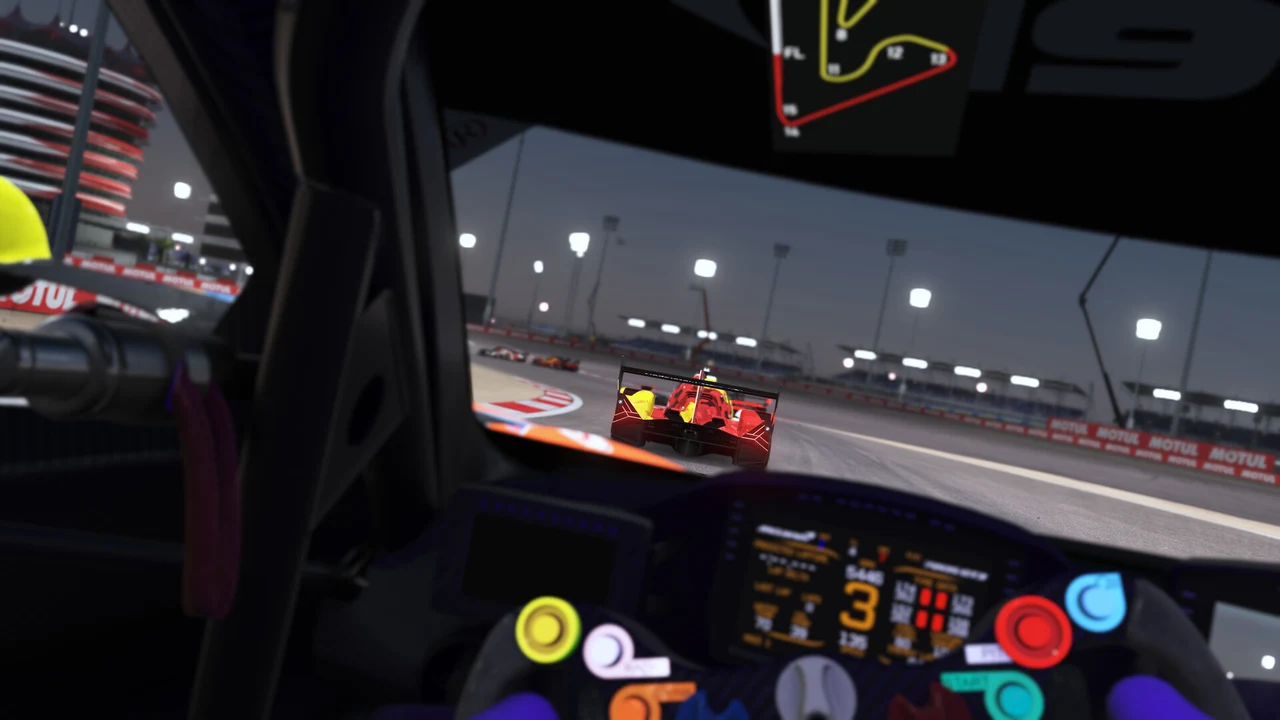
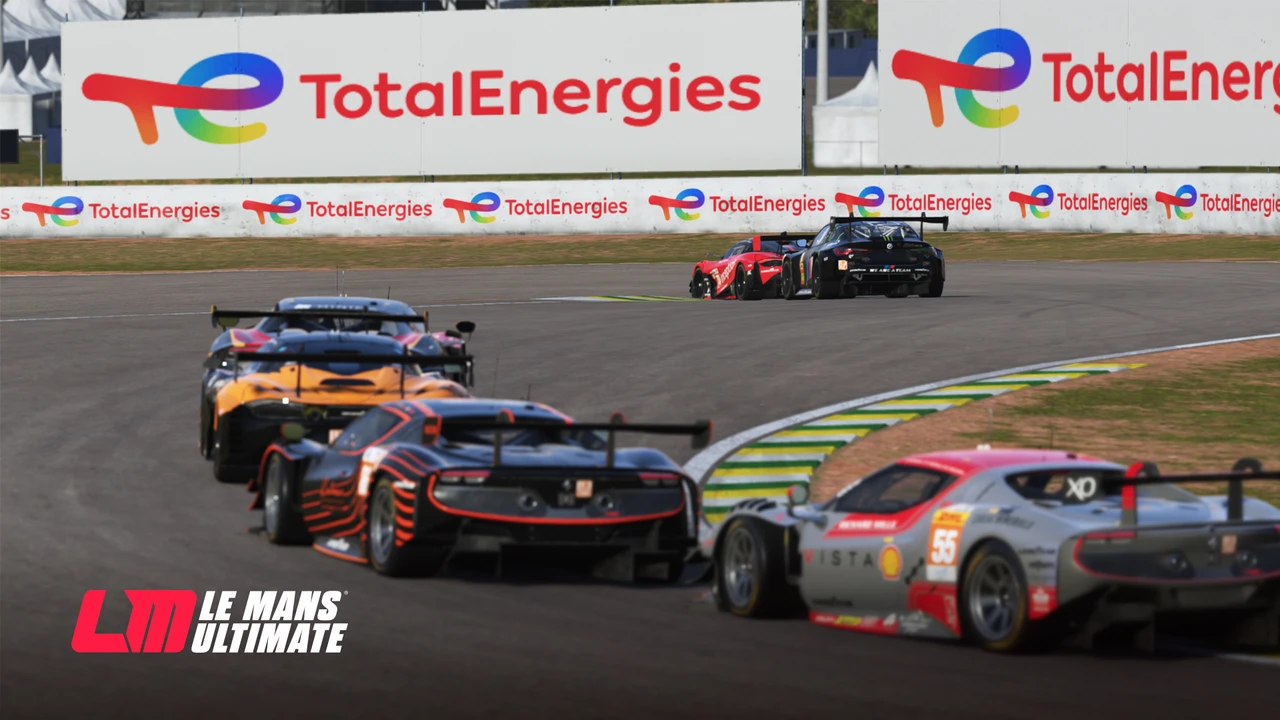
Running out of fuel two corners before the finish line ruins a clean stint faster than a spin. While sims like Le Mans Ultimate, Assetto Corsa Competizione, and iRacing include basic HUD boxes, a dedicated SimHub overlay puts live fuel math right where you can glance at it without losing focus.
Running Clean Overlays in Borderless Mode
SimHub's built-in Dash Studio lets you float transparent widgets right over your screen, so you don't need a second monitor or a hardware dash to use it. Switch your sim's display setting to borderless windowed mode first, then open Dash Studio in SimHub and pick an overlay pack like the free Lovely Dashboard.
What to Put on Your Endurance Screen
Keep your screen clean by sticking to the numbers you actually need mid-stint:
- Fuel to finish: Shows the exact liters or gallons required to reach the checkered flag, plus a spare lap for safety.
- Laps remaining in the tank: Updates every lap based on your real pace instead of a rough estimate.
- Pit window and stint energy: Helps Hypercar and GT drivers in Le Mans Ultimate line up fuel stops with stint energy limits.
Once your layout sits in place, test it in a 15-minute practice run so the widgets stay clear of your mirrors and apex sightlines.





Comments