

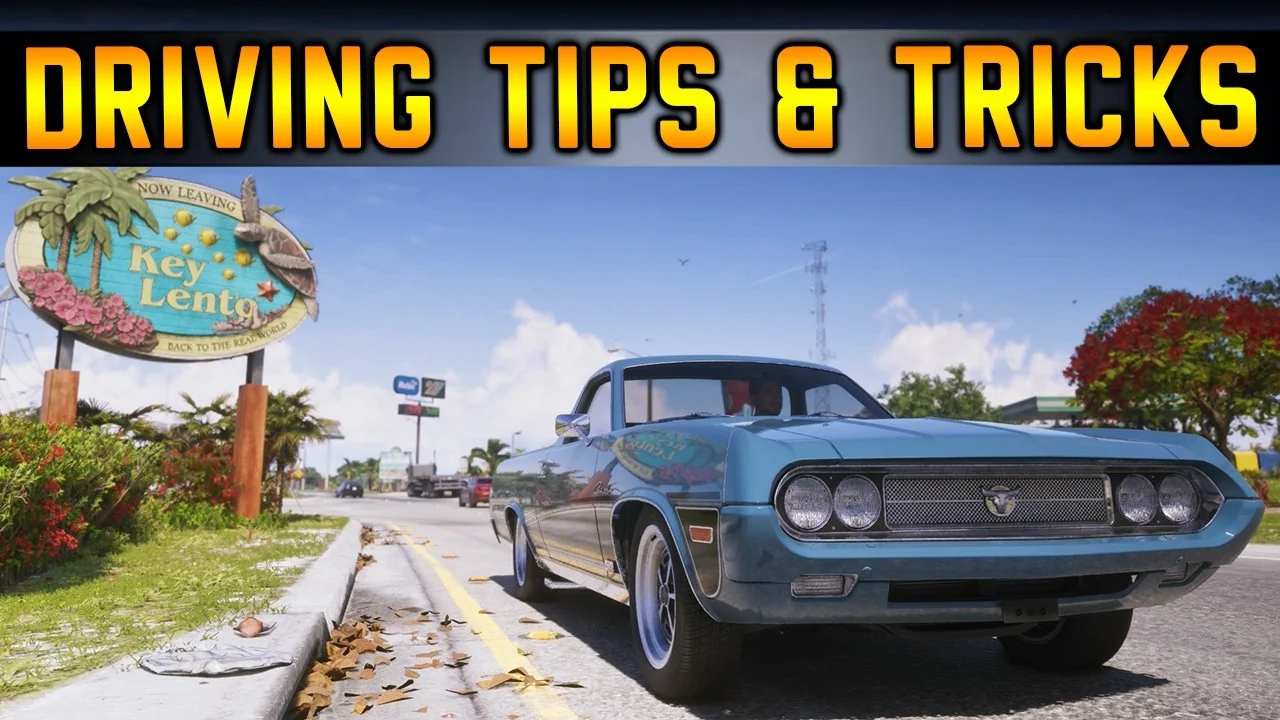
GTA VI packs a surprising amount of car detail under the hood, and the game doesn't always tell you how to trigger half of it. On November 24th, 2026, HokiHoshi uploaded a spoiler-free breakdown collecting the hidden driving controls and button combos he's found since launch.
Even if you've already spent hours cruising around the map, it's easy to miss small mechanical touches that make driving feel more natural. HokiHoshi organized the nine-minute guide with timestamps for every trick so players can jump right to the controls they haven't tried yet, pulling together tips he tested himself alongside details shared by the community.
 HokiHoshi (YouTube)
Everyday Car Details You Might Miss
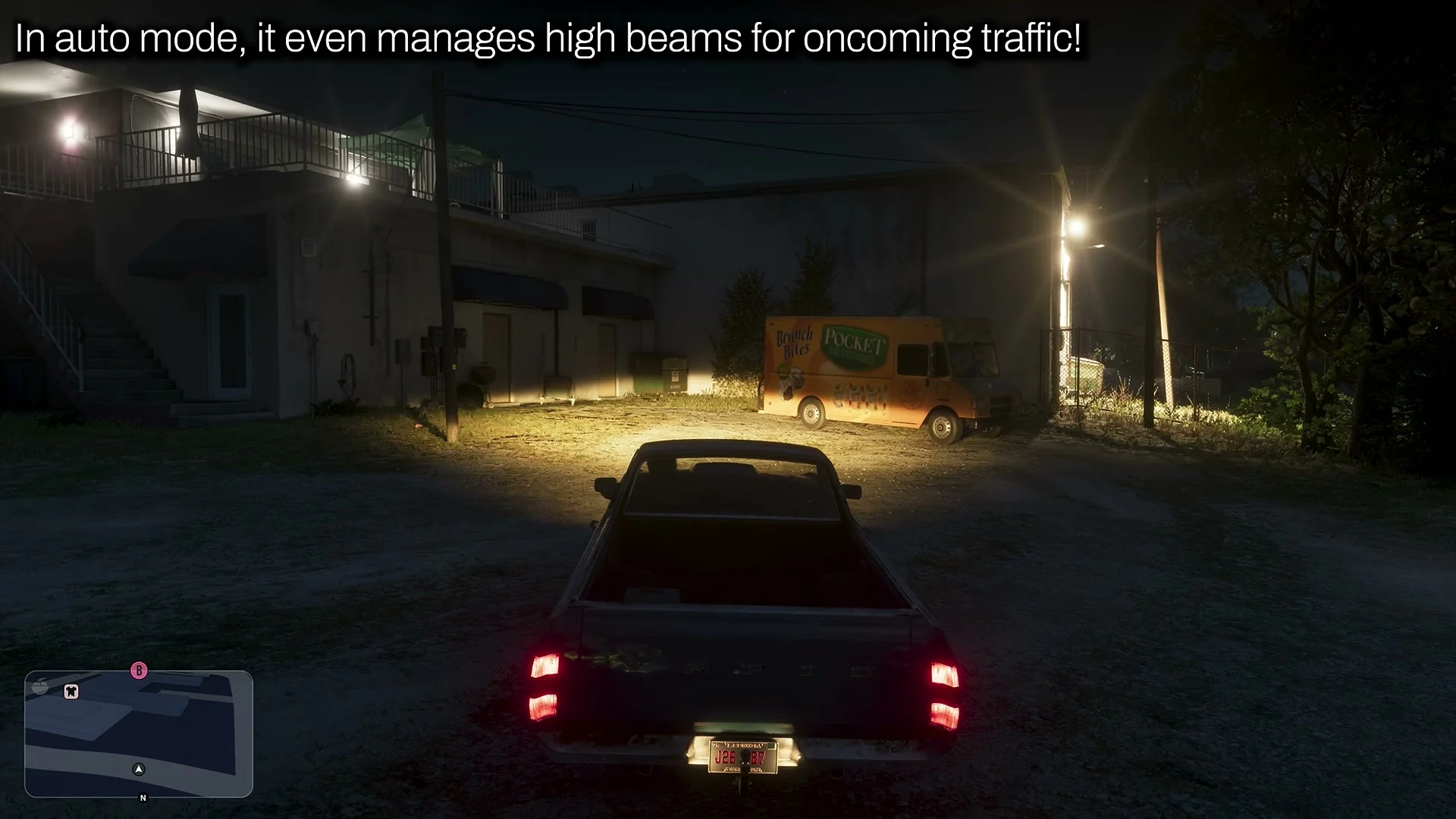
The first half of HokiHoshi's guide focuses on basic vehicle functions that aren't obvious from the default HUD. He walks through how to work turn signals, switch radio stations, toggle lights and leave your engine running when stepping out of the car.
 HokiHoshi (YouTube)
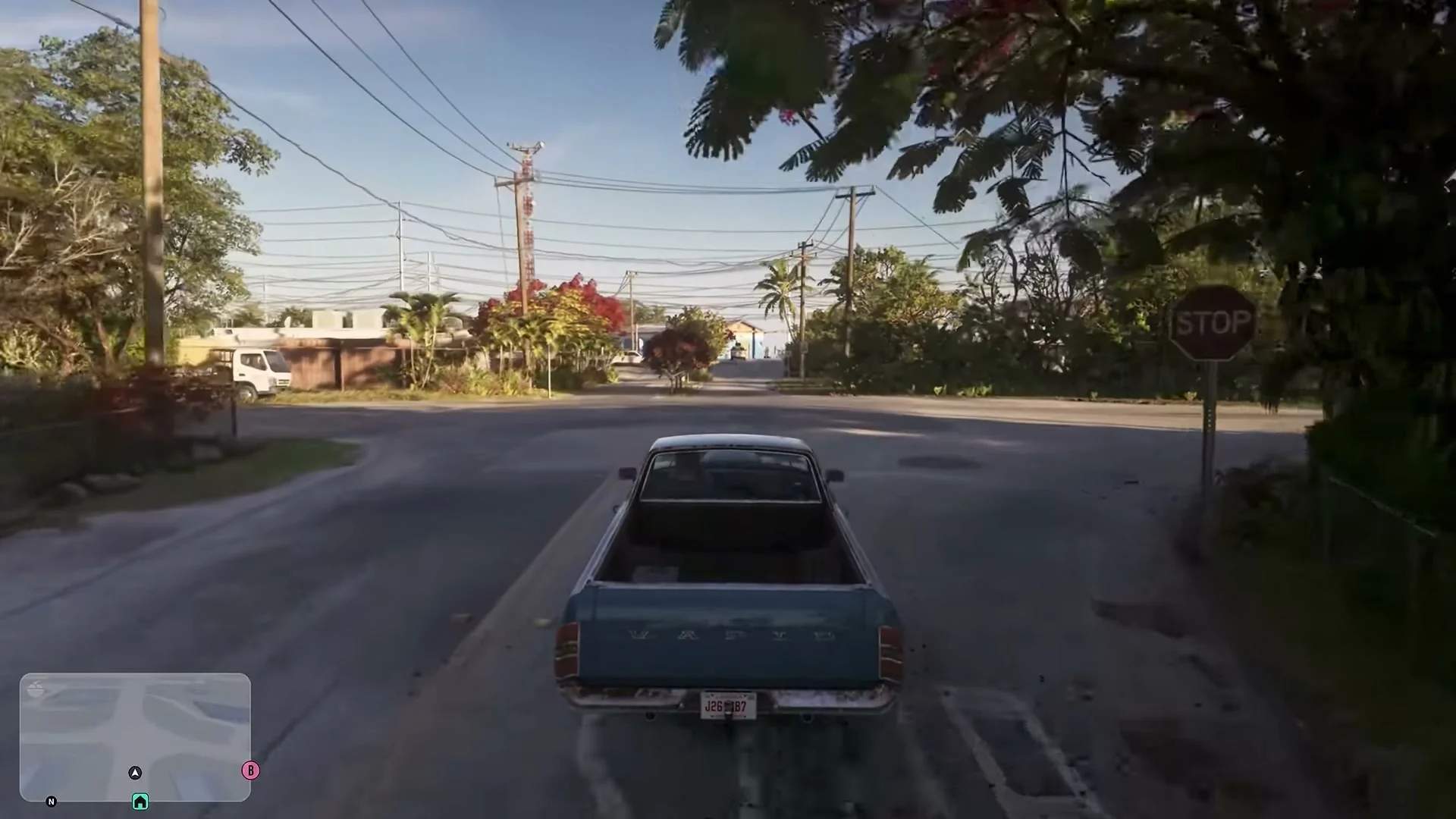
- Cabin and Exterior Controls: Use turn signals, manage headlights, control doors, check the rear view, use the horn and insults, and duck for cover while behind the wheel.
- PS5 Speed Limiter and Brakes: Pair the PS5 speed limiter with braking inputs to hold steady road speed without constantly feathering the trigger.
- Roadside Utility: Turn on auto drive, work the GPS shortcuts, and push, flip, or tow stuck vehicles when a run goes sideways.
 HokiHoshi (YouTube)
Racing for Cash and Perfect Launches
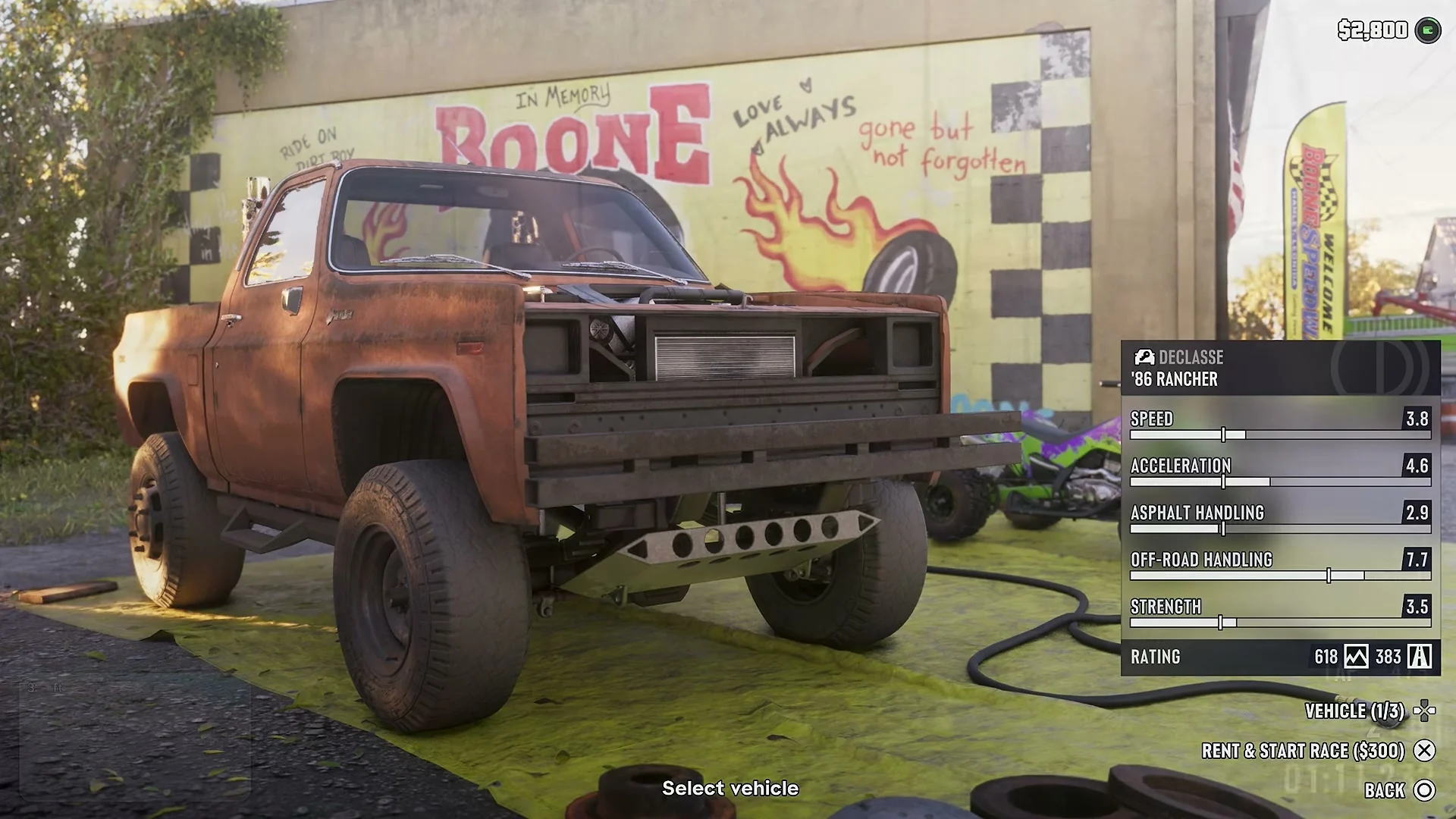
In the final third of the video, HokiHoshi shifts toward driving faster and building up your garage. He covers racing for cash, hitting a perfect launch off the line, and dialing in car customization before wrapping up with his overall thoughts on GTA VI's handling.
Because the whole walkthrough stays spoiler-free, you don't have to worry about story clips popping up while learning the controls. It's a handy reference to bookmark if you're jumping into GTA VI's cars for the 1st time and want to get the most out of the extra vehicle inputs right away.
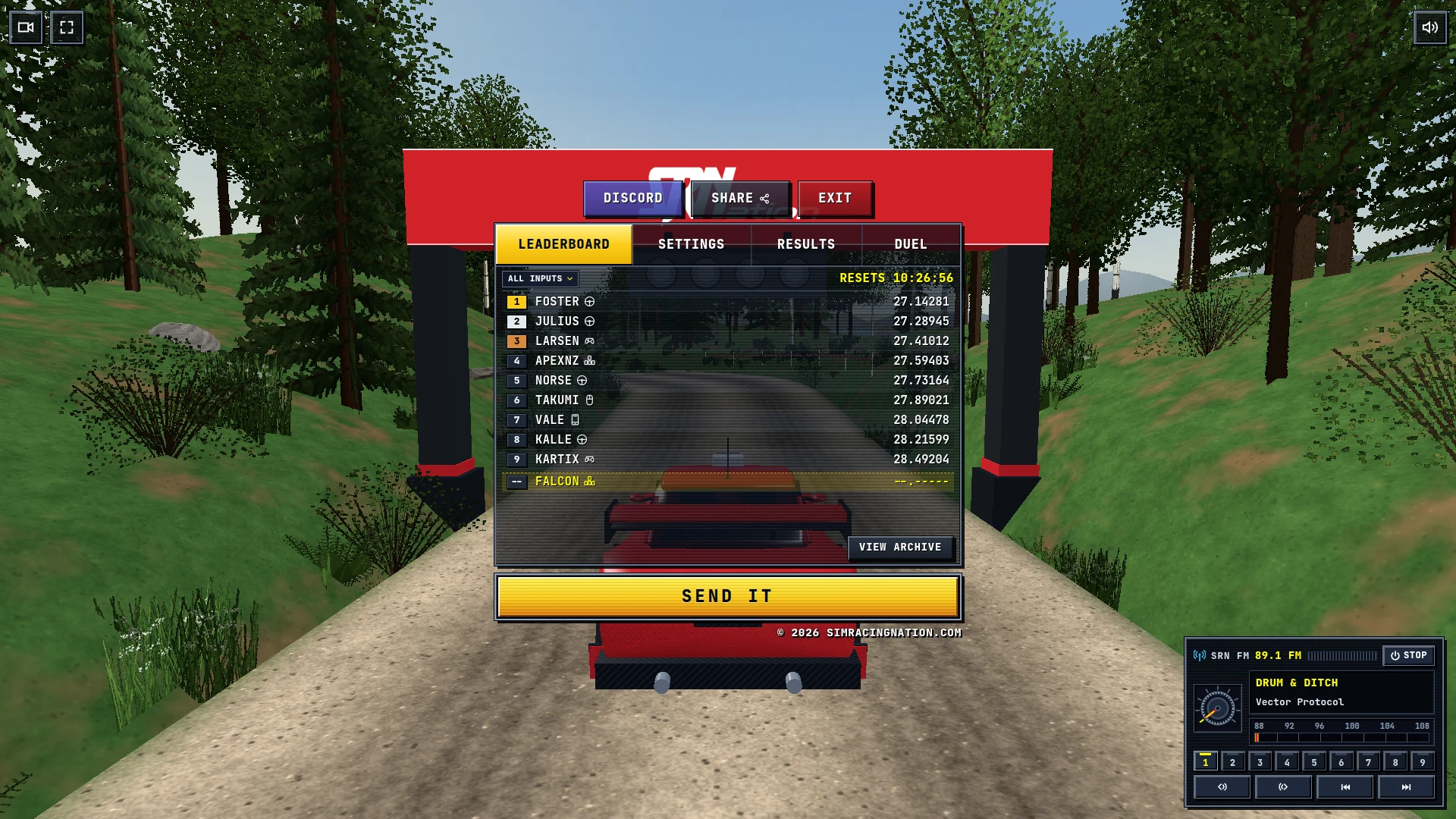
Sim Racing Nation - Send it Challenge
Can you top the leaderboards? Play on Mobile, Desktop or VR — from touchscreens to racing wheels. Jump into different car and track combos daily.








Comments