On a direct drive wheelbase, raw force feedback in iRacing can sometimes feel rough or noisy when you run over big curbs. Both iRacing’s options menu and your wheelbase software give you smoothing filters to tone that down.
The problem is that turning both sliders up at the same time adds noticeable delay to the steering, making the wheel feel numb and slightly late when the rear tires start to slide.
Why does running both smoothing filters hurt car control in iRacing?
Each filter averages the force feedback signal before it reaches the motor. When you run high smoothing inside iRacing on top of heavy filtering in your wheelbase software, the wheel reacts late and makes it easy to over-correct a slide.
Where should I set the in-game iRacing Smoothing slider?
In iRacing's Options tab, keep the Smoothing slider between 0% and 5% so the clean signal goes straight to your wheelbase software without extra delay.
What Reconstruction Filter setting works best on direct drive bases?
In Simucube Tuner,
Fanatec App, or MOZA Pit House, set your Reconstruction Filter (or FFB Interpolation) between 1 and 3. That is usually enough to take the harsh rattle out of curbs while keeping the steering quick and direct.
Quick Curb Test
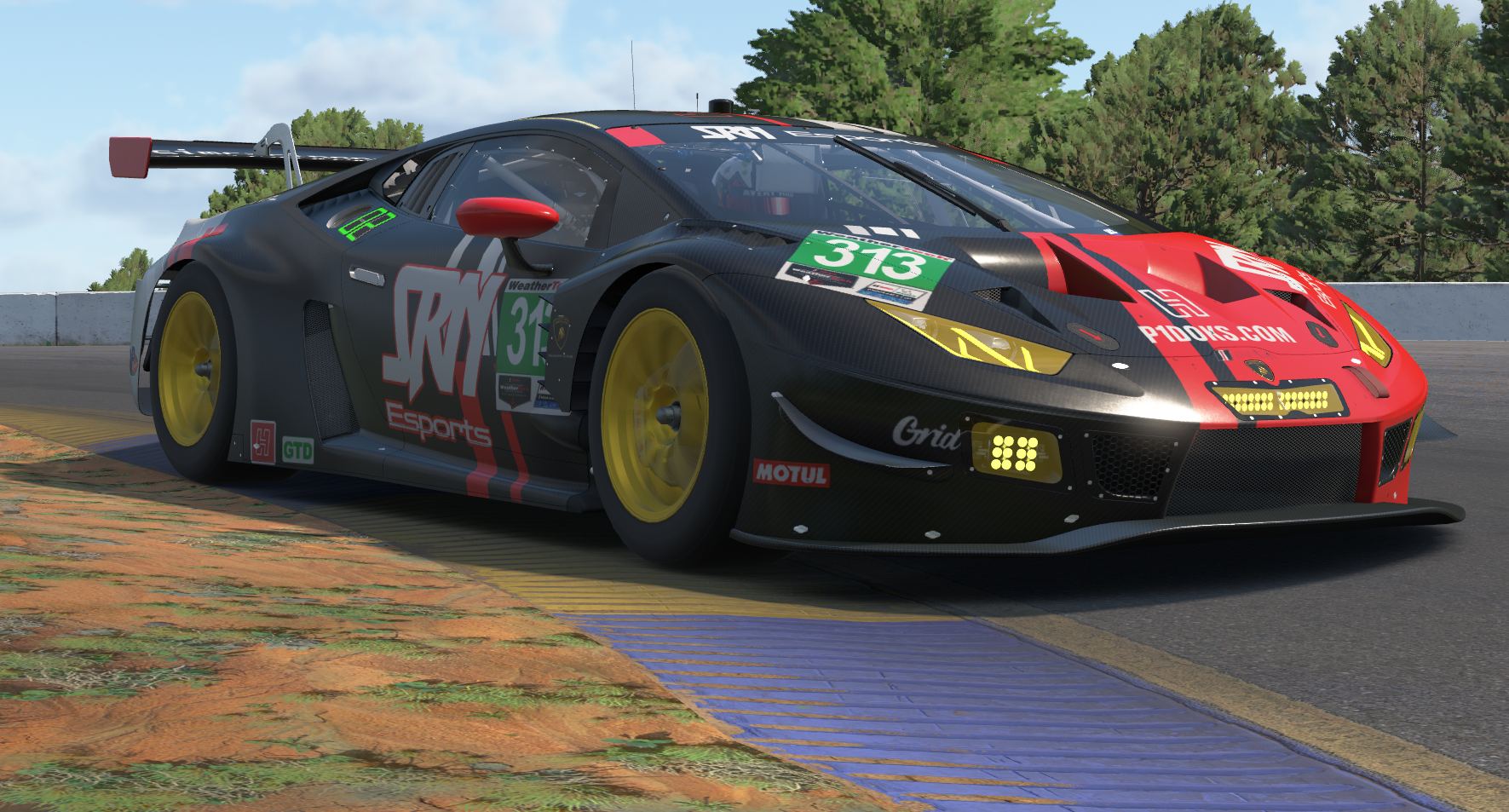
Load a test session at Watkins Glen or Road Atlanta and run over the exit curbs. You should still feel the bumps clearly through the rim without hearing a loud rattle from the wheelbase motor.
What to Look For on Track
Once your settings are balanced, the wheel will stay quiet down the straights and react right away when the rear steps out on throttle, making it much easier to catch slides naturally.
Share This Story
Spread the word across the sim racing and motorsport community.