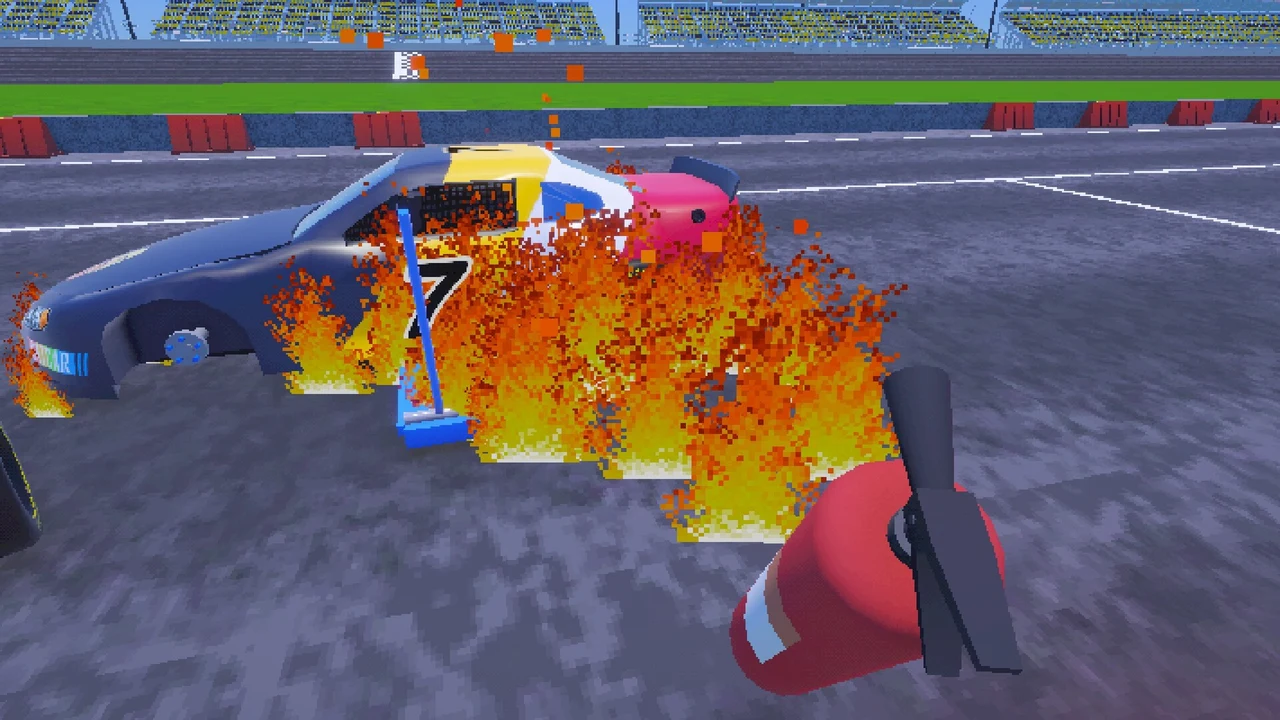
Jumping into CATCAR Pit Crew for the first time with friends usually ends the same way: your impact wrench dies halfway through the right-front tire, fuel spills across the concrete, and your stock car leaves the stall on three wheels. As developer ESGalore pointed out in the playtest notes, the in-game tutorial was built for an older prototype and skips several newer tools added to the pit box.
If your team wants to drop pit stop times below 15 seconds and survive a full Pitstop Cup Series championship, here is how every station in the garage and pit stall actually works.
Your impact wrench and shock sentries run on rechargeable batteries. If your gun suddenly stops spinning lugs mid-stop, it is not broken; it hit 0% charge. Between pit windows, walk back to the yellow charging terminal mounted by the pit cubicle and plug your gun in so it is back at 100% before the car boxes again.
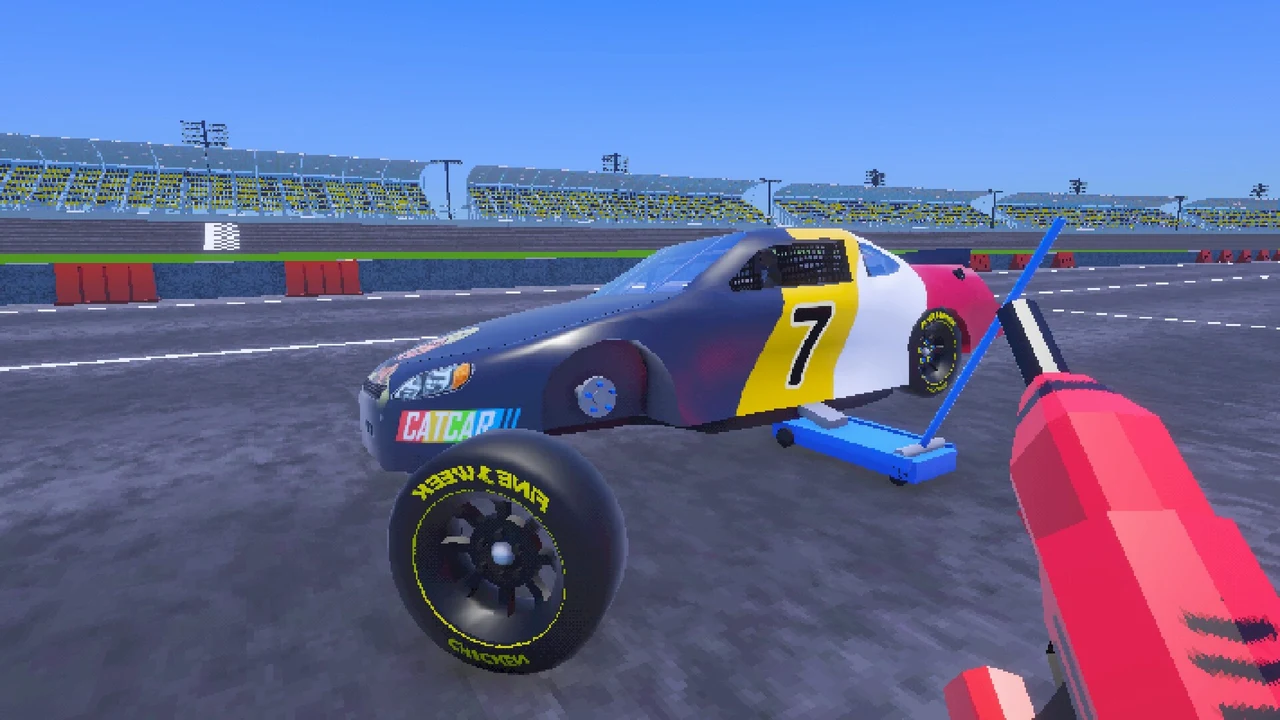
Slide the blue floor jack under the frame, pump it until the tires clear the ground, and zip off all five lug nuts. Following the November 1 patch, you can toggle wrench modes directly instead of fumbling between loosen and tighten. Always make sure all five lugs are seated on the hub before dropping the jack, or the wheel will shear off in Turn 1.
Assign one dedicated crew member to the fuel can and fire extinguisher. The moment the tank hits 100%, pull the can back; overfilling dumps raw gas onto the stall floor where exhaust sparks will ignite the whole car. If your driver blows the motor, roll the red engine crane to the nose and mash F to raise the hoist for a block swap.
Press E at the ladder to climb the control tower and pull up the binoculars. With a headset equipped, your HUD displays Fuel percentage, all four tire wear rings (FL, FR, RL, RR), Engine health, Body condition, and Draft intensity. Hold V on keyboard (or D-Pad Left on controller) to radio your driver before they pass pit entry.
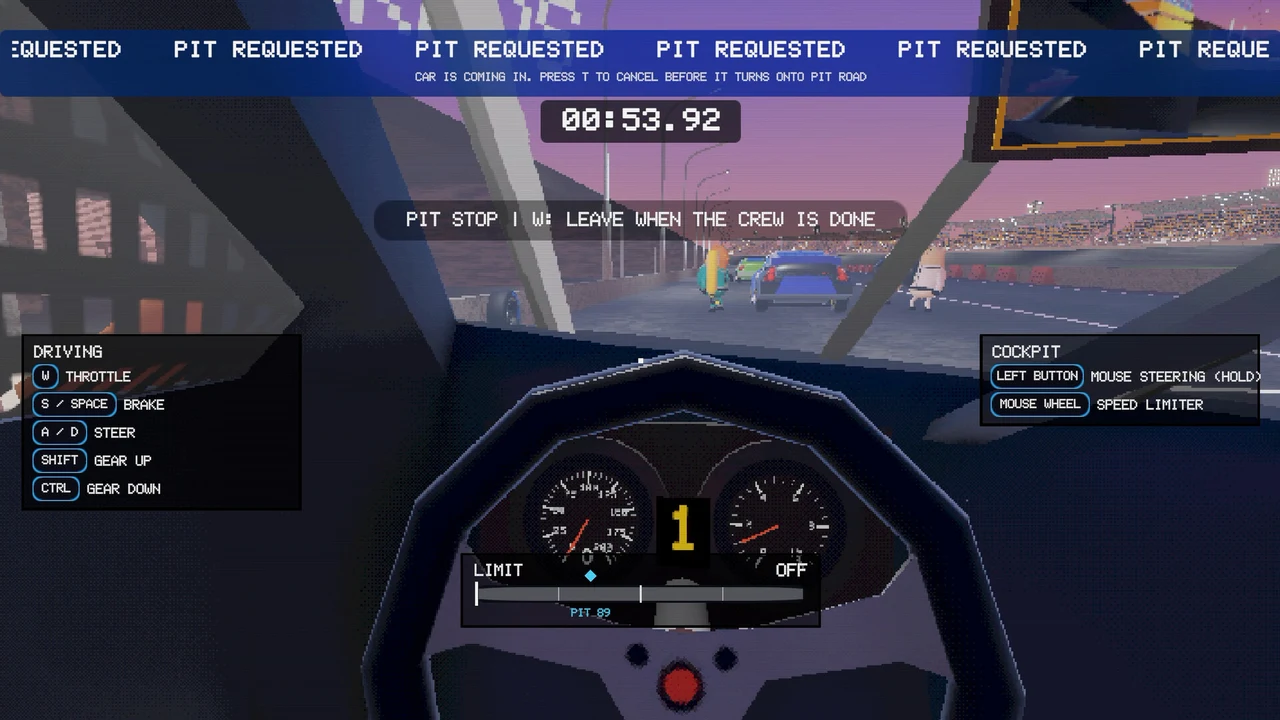
If a human teammate takes the driver seat instead of the AI, use W for throttle, S / Space for brakes, Shift / Ctrl for gears, Left Mouse Button (Hold) for mouse steering, and the Mouse Wheel to set the pit road speed limiter. Need an emergency tire? You can steal wheels from a rival pit stall, but stolen rims are one-use backups that cannot be fitted with fresh rubber later.
Upgrade Priority Between Championship Rounds
Once your crew stops lighting the car on fire, spend your early race winnings on faster hydraulic jacks and high-capacity gun batteries first. Save the red Tesla shock sentries for later rounds when rival tire thieves start targeting your spare stacks. For more on how the playtest rolled out, see our coverage of the CATCAR Pit Crew Steam playtest.