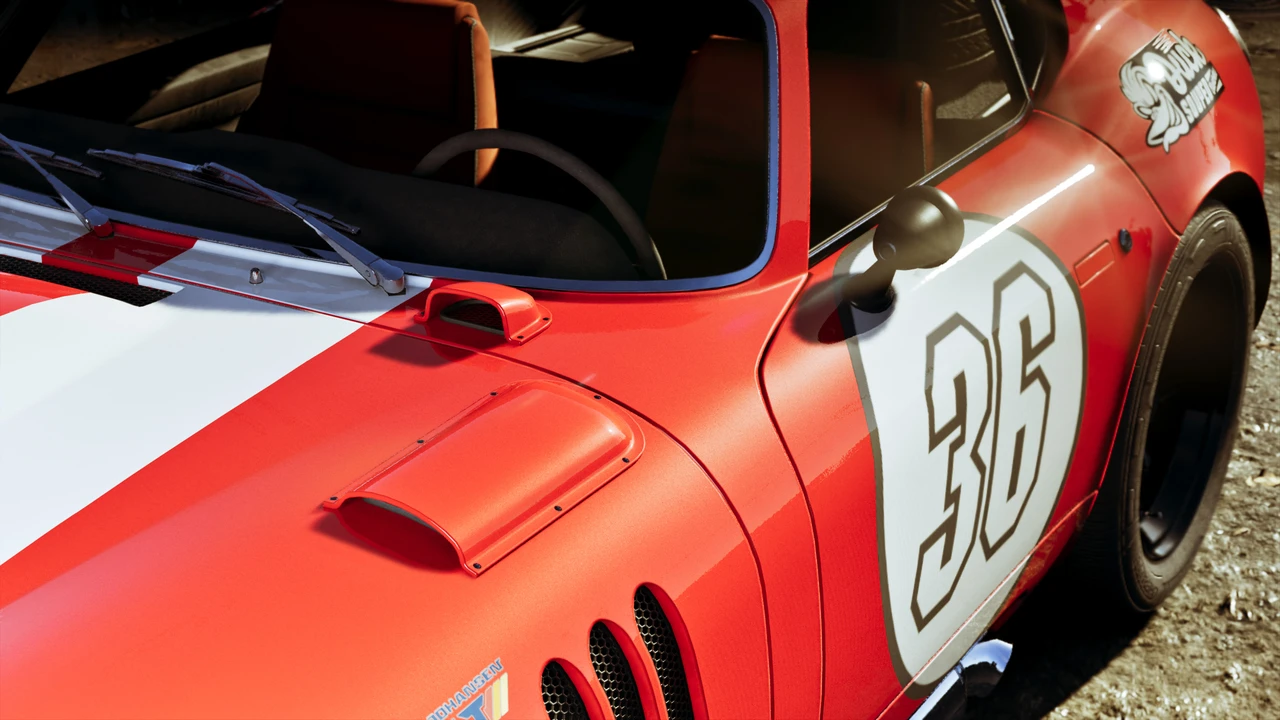
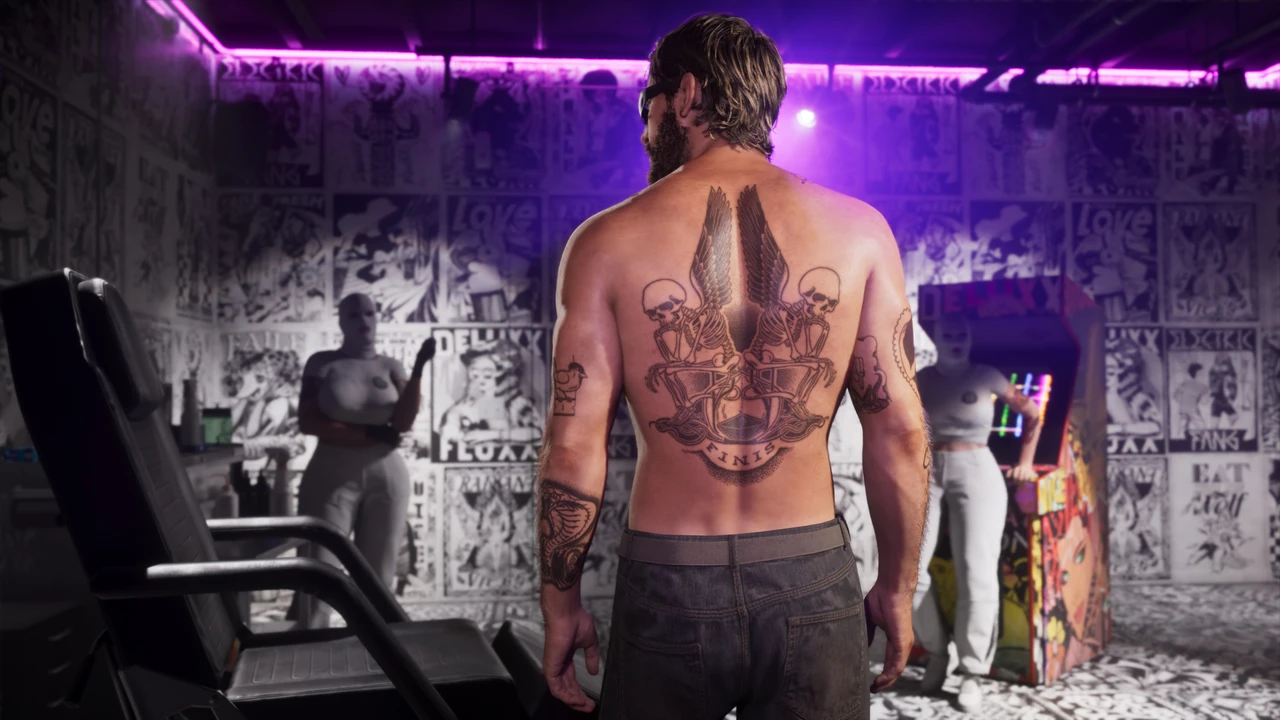
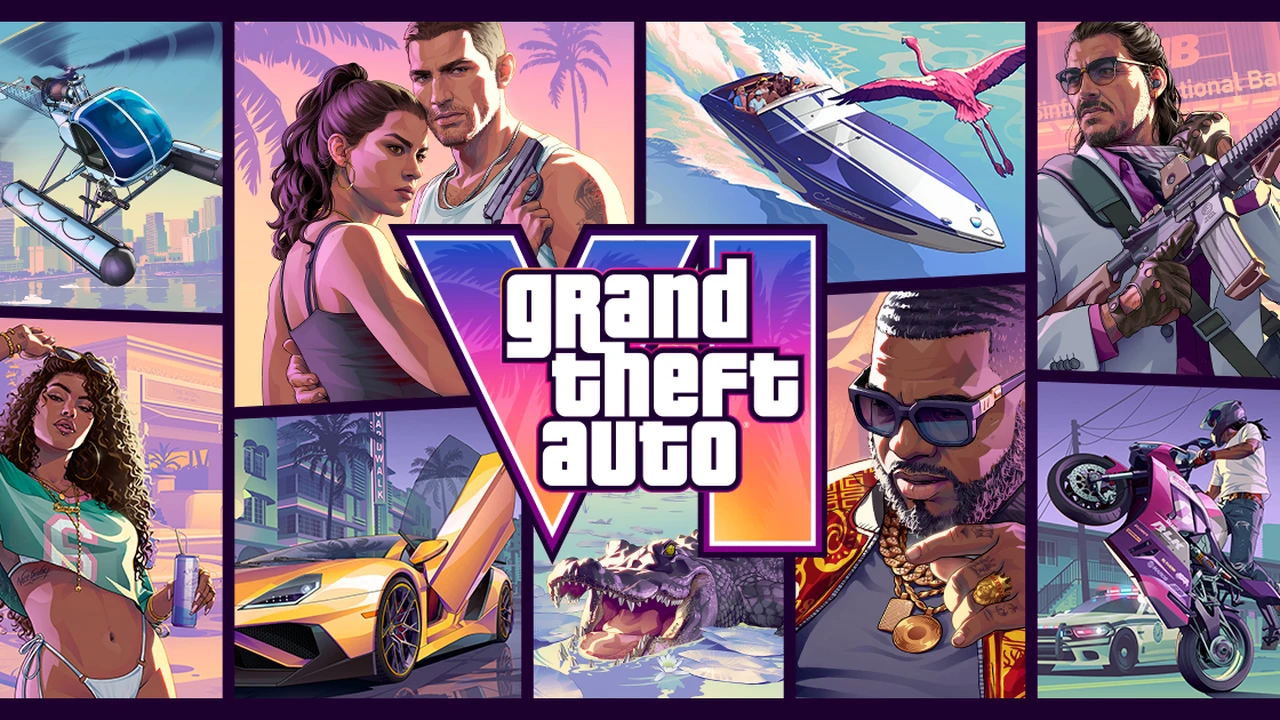
Grand Theft Auto VI arrived on PlayStation 5 and Xbox Series X|S today, and day-one streams on Twitch, YouTube, and Kick confirm what console sim racers expected. Rockstar rebuilt vehicle physics, yet the game shipped without native wheel support.
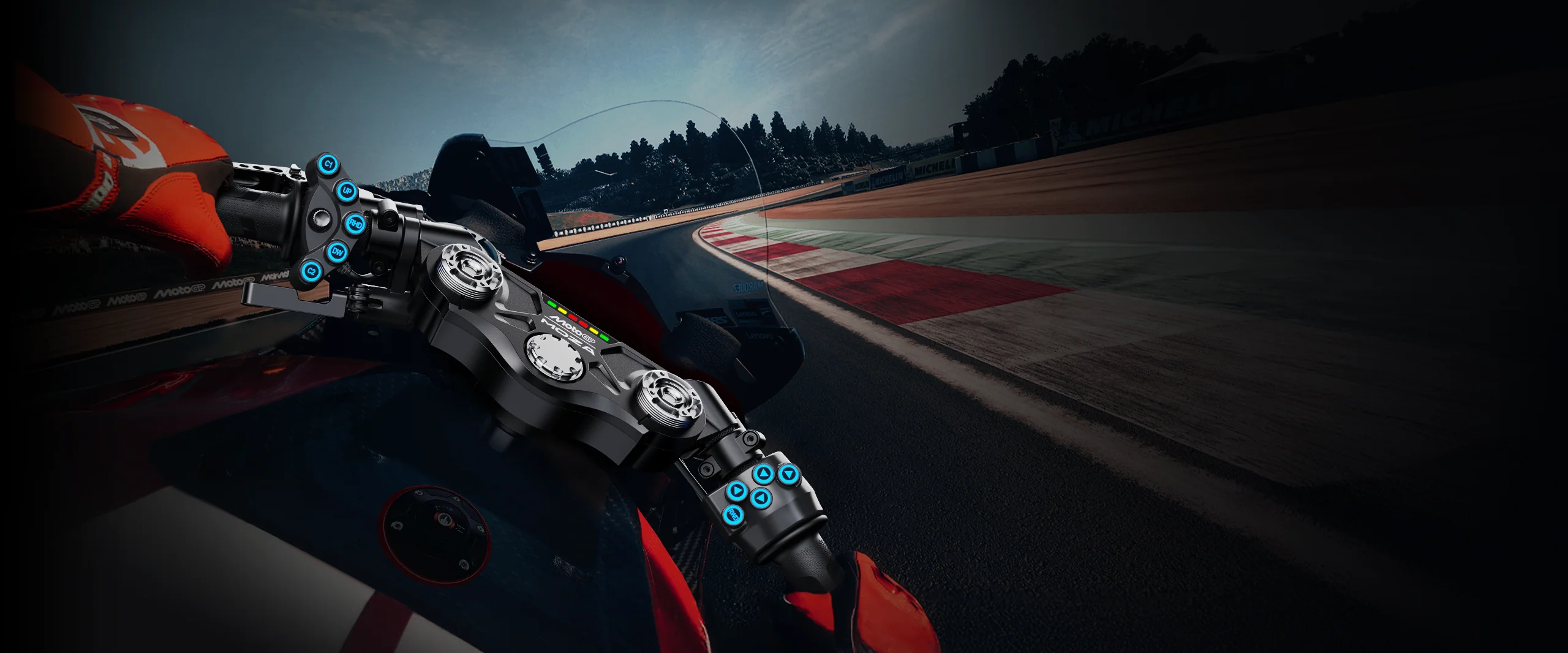
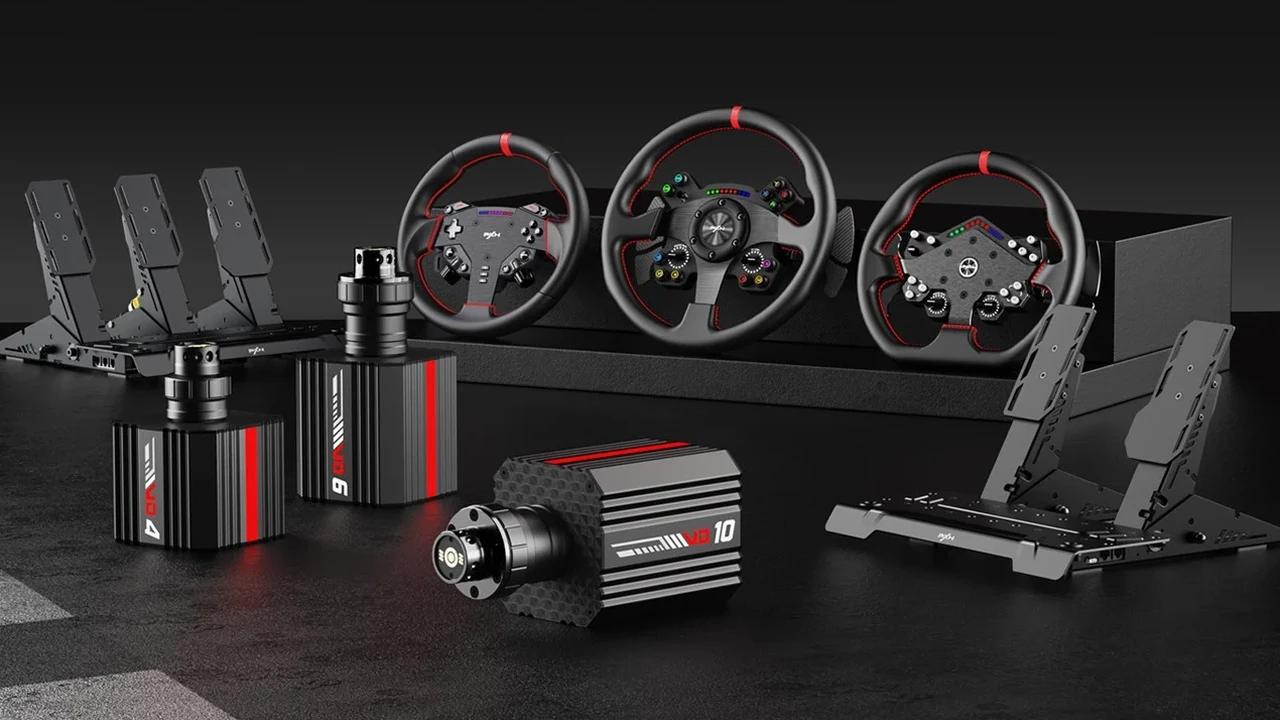
If you want to cruise from your sim rig on console, your main workaround is an adapter like the Brook Ras1ution 2, Ras1ution X, or Collective Minds Drive Hub. These boxes sit between your console and wheels from Logitech, Thrustmaster, Fanatec, MOZA, or Simagic, mapping your rig to controller signals.
What Adapters Actually Do on Console
Because Grand Theft Auto VI treats console players as gamepad users, an adapter cannot read telemetry from the game. Turning your rim mimics the left thumbstick, and your pedals act like R2 and L2 or RT and LT triggers. On PlayStation 5, Drive Hub also needs a licensed PS4 controller plugged in to pass console security.
Without telemetry, you will not feel real force feedback. Any resistance comes from a centering spring or light rumble set inside the adapter or its phone app.
 Rockstar Games
 Rockstar Games
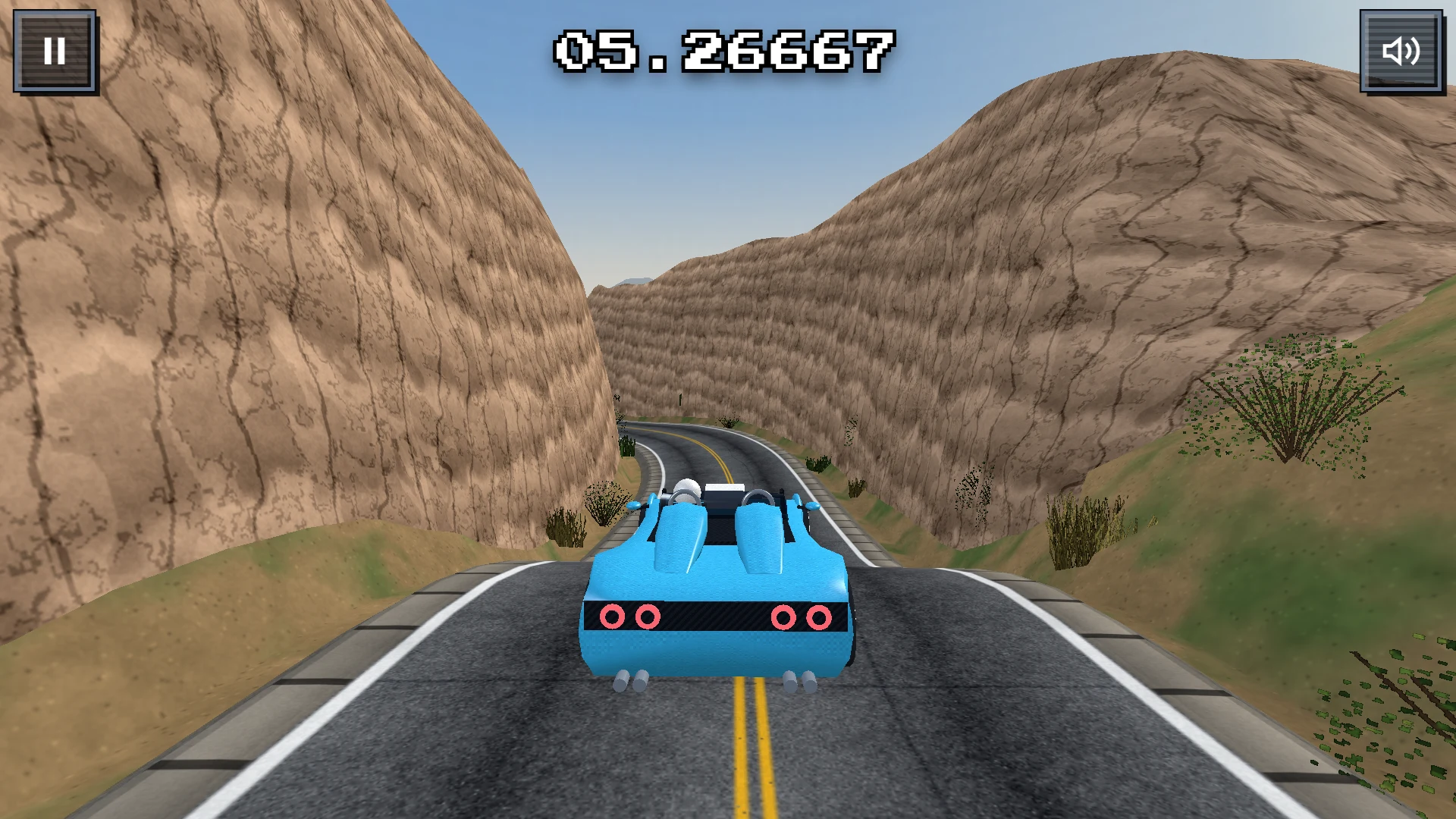
Want a quick driving challenge with native racing wheel, controller, keyboard, and touchscreen support right now? Try Sim Racing Nation's free browser game, Send it, to challenge friends and climb the daily leaderboard.
Sim Racing Nation - Send it Challenge
Can you top the leaderboards? Play on Mobile, Desktop or VR — from touchscreens to racing wheels. Jump into different car and track combos daily.
Settings That Make Driving Work
Thumbsticks hit full lock right away, so 900-degree rotation feels slow in city traffic. Most adapter users tweak three things first:
- Steering lock: Drop rotation to 360 or 540 degrees so quick turns feel responsive.
- Deadzone: Trim inner deadzone in the app so small turns register near center.
- Backup controller: Keep a gamepad by your seat for walking, shooting, and menus.
Check for firmware updates from Brook Gaming or Collective Minds after console patches. Until Rockstar adds native wheel support or a PC version arrives, adapters are strictly for casual cruising around Leonida.