


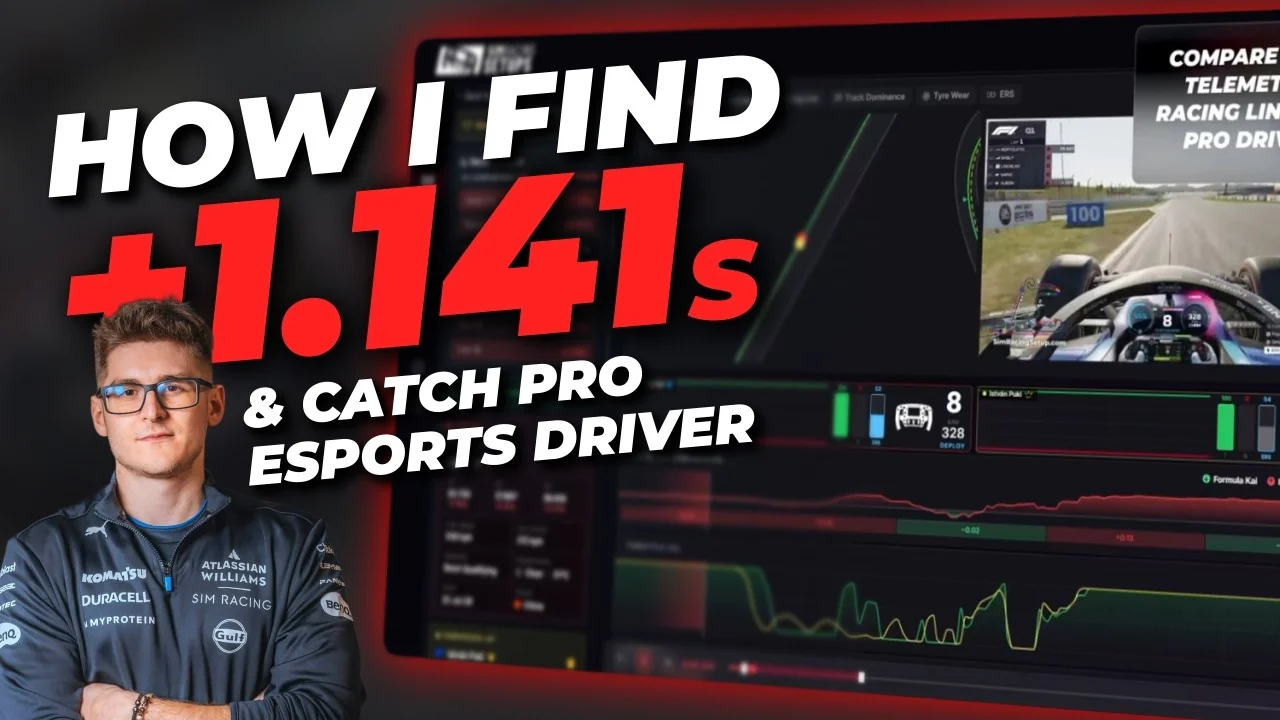
In F1 26, the built-in timing screen only tells you your final lap time and a handful of sector splits. It doesn't show why an Esports driver is pulling away by a full second on the exact same track. In a crisp six-minute breakdown on SimRacingSetups on YouTube, the channel puts a regular lap at Qatar side by side with Esports pro Istvan Puki to find out where 1.1 seconds actually go.
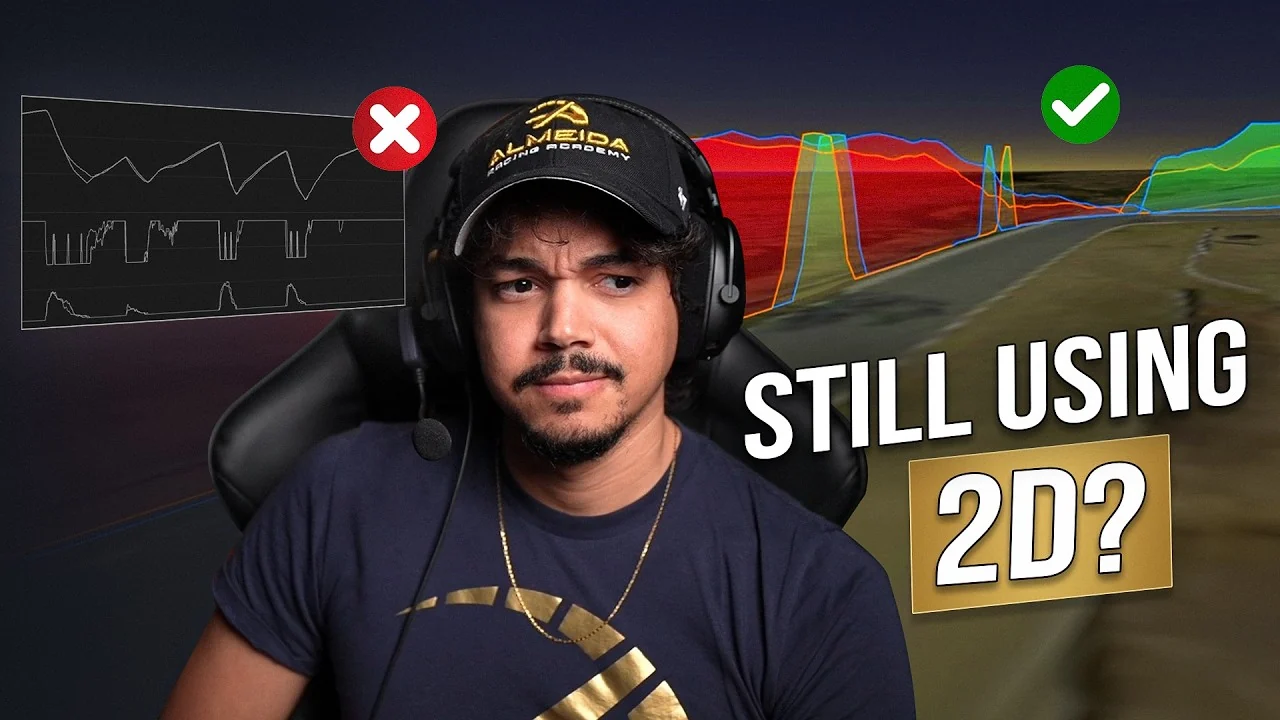
Using SimRacingSetups' F1 Telemetry tool to overlay every pedal input, gear change, ERS deployment, and tire wear trace directly against Puki's benchmark lap. Instead of guessing at braking points, the comparison isolates the exact corners where the gap opens up.
Where the Time Disappears at Qatar
Qatar's fast, flowing layout punishes small hesitations on throttle and mistimed shifts, especially late in the lap.
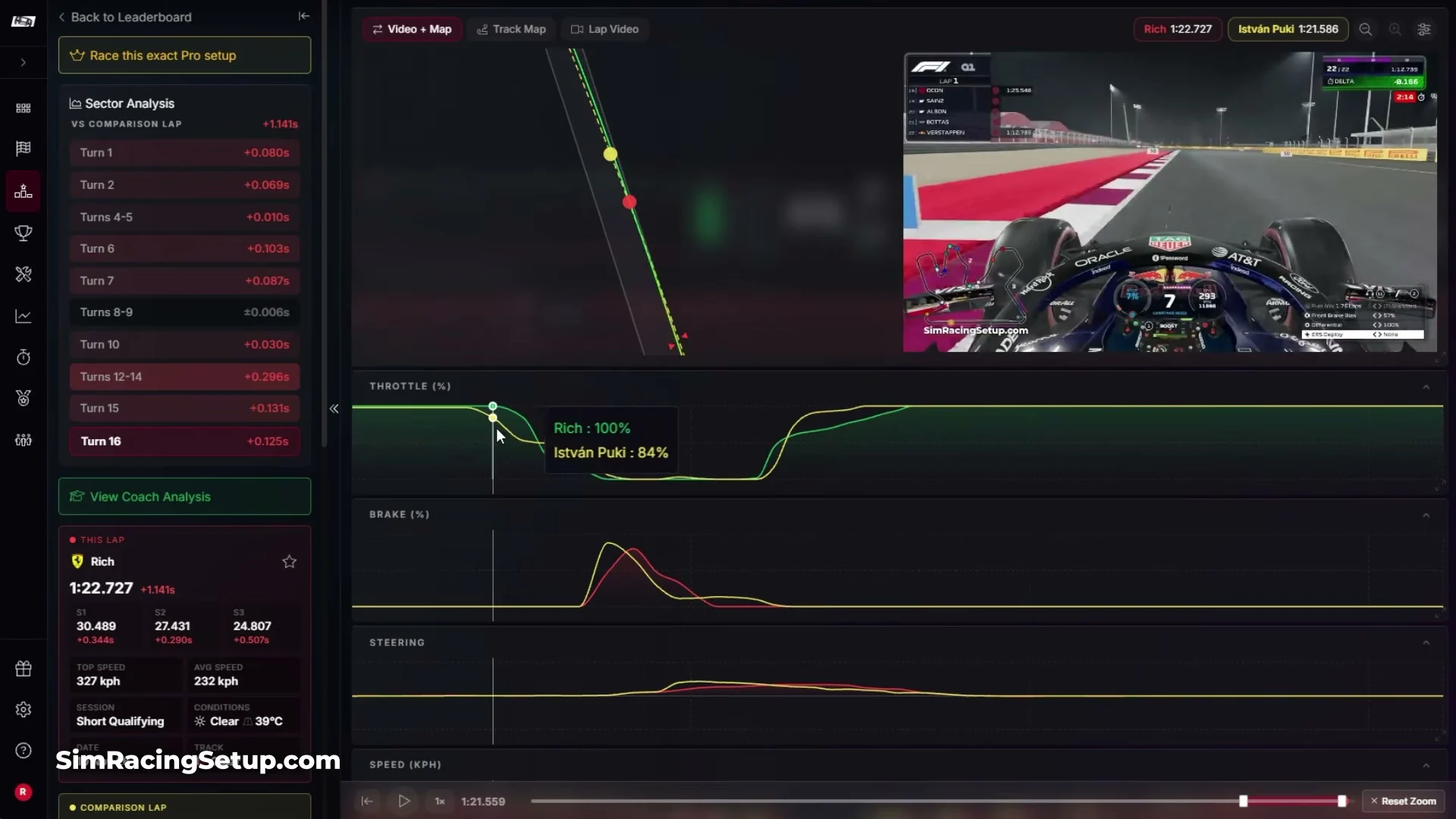
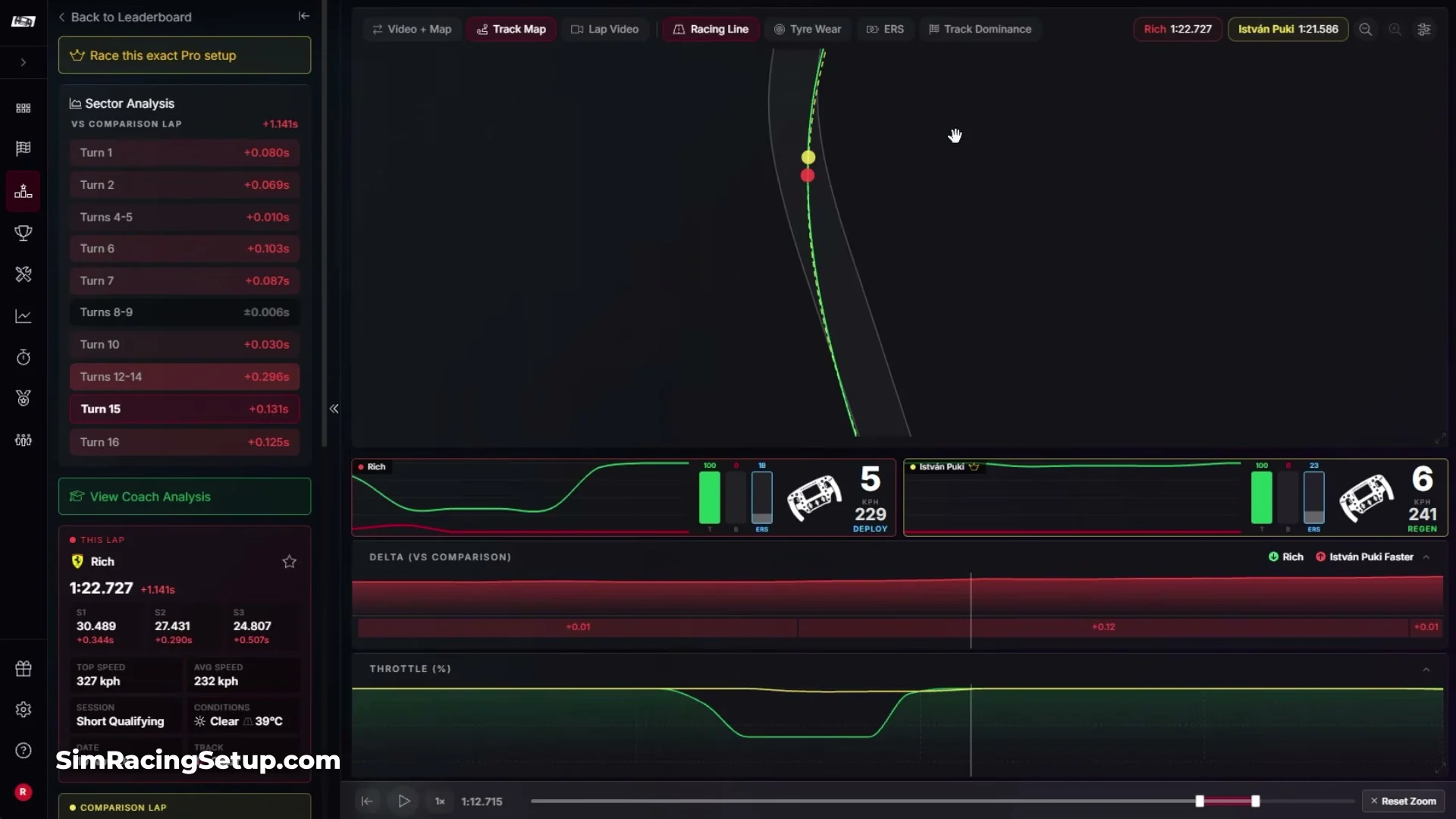
- Finding the Loss: Lining up the baseline lap against Istvan Puki's reference trace to spot the biggest delta drops.
- Turns 12 through 14: Analyzing the high-speed right-handers where line choice and commitment dictate exit momentum.
- Turn 15: Checking braking, gear selection, and rotation heading into the final corner complex.
- Turn 16: Examining exit traction and ERS usage onto the main straight to finish the lap strong.
Trying the Telemetry Tool Yourself
At the end of the video, SimRacingSetups walks through how F1 26 players can run the same comparison on their own laps. Drivers can compare their 1st F1 26 lap against an Esports pro for free on the SimRacingSetups site, and the channel is also including a free month of telemetry with every F1 26 setup through November 30th, 2026.
If you're stuck trying to shave the last second off your Qatar pace in F1 26, you can watch the full corner-by-corner breakdown on SimRacingSetups' YouTube channel.
Sim Racing Nation - Send it Challenge
Can you top the leaderboards? Play on Mobile, Desktop or VR — from touchscreens to racing wheels. Jump into different car and track combos daily.








Comments